How to Edit an Office
On the Web Portal under the office tab, find the office you want to edit and click the edit icon next to that office:

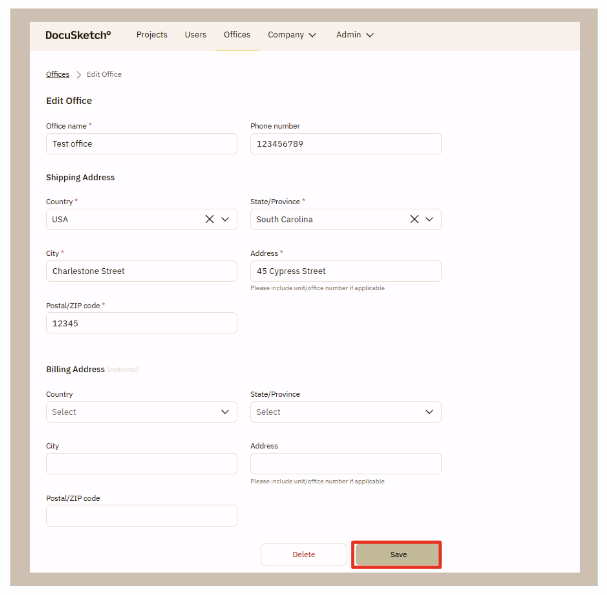
Click the "Save" button when done with your edits:
On the Web Portal under the office tab, find the office you want to edit and click the edit icon next to that office:
Click the "Save" button when done with your edits: