How to Add a User
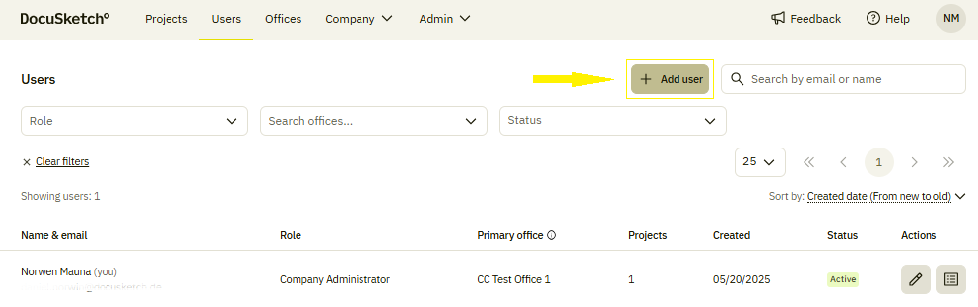
Open Web Portal. Select the "Users" tab in the top navigation bar and click the "Add user" button:
Fill in all the necessary fields:
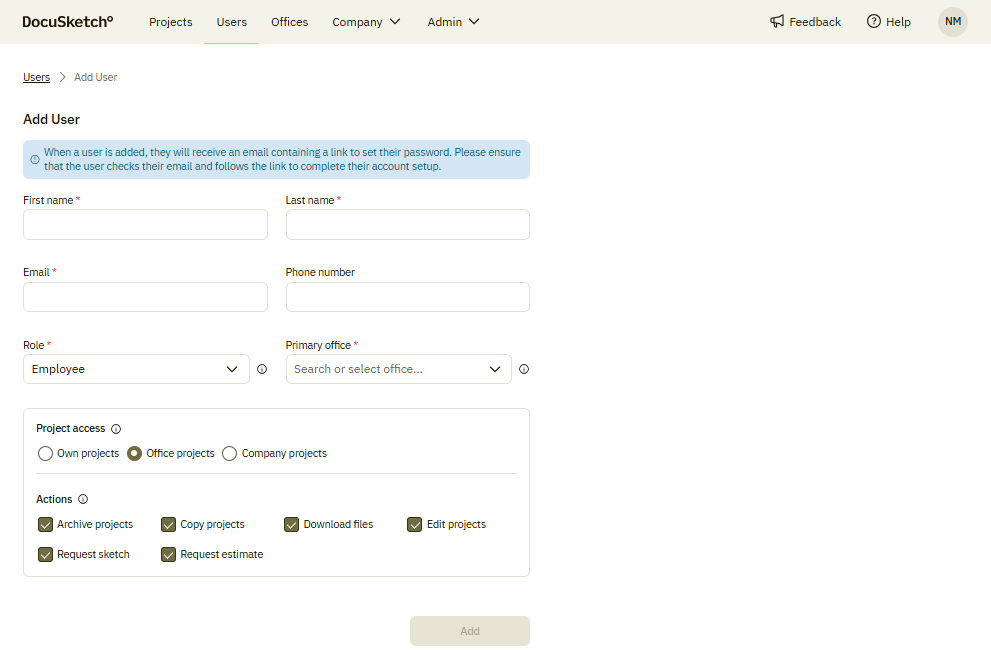
If you need assistance understanding project access, please read our article — Understanding Project Access Levels.
Click the "Add" button when done:

The new user will appear on the users list:
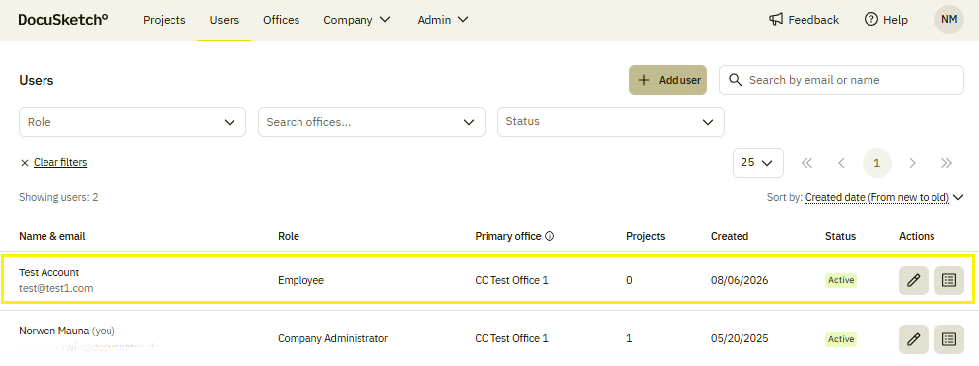
The new user will receive an email to set the password for their account.